Invoice Charges for PayByPlateMA: What You Pay and Why It Matters
If you drove on a Massachusetts toll road without an E-ZPass, you may later receive a PayByPlateMA invoice. This bill is based on your license plate, and it lists your toll trips along with any added costs. Many drivers get surprised because they expect “just the toll,” but the total can include other items too.
This guide explains PayByPlateMA charges in clear steps: what’s on the bill, why the amount can increase, how to pay safely, what to do if something looks wrong, and the most common questions people ask.
PayByPlateMA Invoice Basics
A PayByPlateMA invoice is created when toll cameras record your plate at toll points. The system then bills the registered owner of the vehicle.
How Pay by Plate billing works
- Plate capture: Toll cameras record your plate at toll locations.
- Trip matching: The system links the plate to vehicle registration details.
- Invoice creation: A bill is generated with your toll trips.
- Delivery: You receive it by mail or view it through the official payment website (depending on how the system sends it).
Who usually receives these toll charges
- Drivers who do not have E-ZPass
- Drivers whose E-ZPass did not read during a trip
- Rental vehicle drivers (depending on rental toll programs)
What’s Included in a PayByPlateMA Invoice
Before you pay anything, learn the sections on the bill. Most bills follow a similar structure.
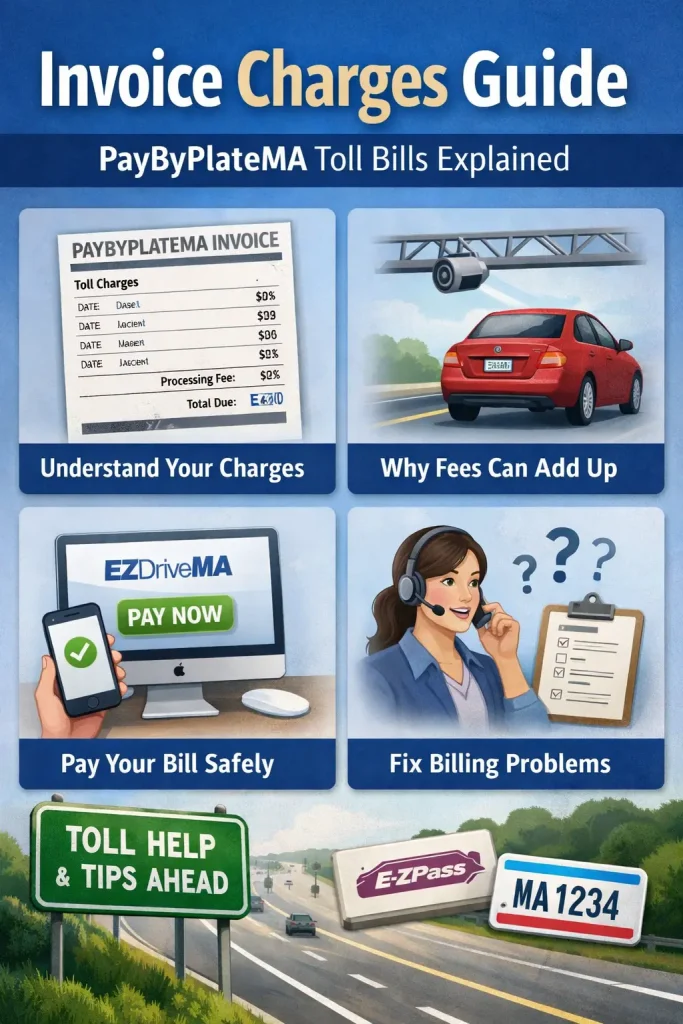
Pay By Plate MA invoice charges (tolls, fees, penalties)
A PayByPlateMA bill usually has two parts:
- Tolls (based on where you drove and your vehicle class)
- Extra charges (invoice fee, and late penalties if you pay after the due date)
1) Toll charges (examples)
| Facility | 2-axle example | Notes |
|---|---|---|
| Massachusetts Turnpike | $7.50–$14.00 | Depends on entry/exit and rate type |
| Tobin Bridge | $2.50 | Example crossing rate |
| Sumner / Callahan Tunnels | $2.50 | Example crossing rate |
These are common examples. Your total depends on your route, how many toll points you passed, and your vehicle class.
2) Extra charges that can raise your total
- Invoice-fee: $0.60 per invoice
- Late penalties: may apply after the due date and can increase in later notice stages
- Collection/escalation costs: may apply if the balance stays unpaid for a long time
Quick tip: Review the itemized lines early and pay before the due date to avoid extra charges.
Toll trip charges
This is the main part of the bill. Each line typically shows:
- Date and time of travel
- Toll location or route
- Vehicle class (often based on axles)
- Amount charged for that toll point
Processing or billing fee
Many plate-based toll bills include a processing cost for billing and handling. You might see it listed as:
- processing fee
- admin fee
- service fee
Total balance due
This is the final number you must pay by the due date. It may include:
- total tolls
- processing fee(s)
- any past-due amount (if it’s a later notice)
Bill details you should verify
Check these items every time:
- plate number matches your vehicle
- invoice number is clear
- trip list looks reasonable
- due date is visible
- your name/address appear correct
Why Your Invoice Total Can Be Higher Than Expected
Drivers often think the total should match a single toll they remember. In reality, the final amount can grow for simple reasons.
Multiple toll points in one trip
One drive can create several toll records. If you entered, exited, or crossed multiple toll points, your trip list will have multiple entries.
Different rates between pay-by-plate and E-ZPass
In many toll systems, plate billing costs more than transponder billing. That can make your invoice amount higher than what an E-ZPass user would pay for the same route.
Added charges for missed deadlines
If you pay late, the balance can increase. The longer you wait, the more the total can grow.
Late Invoice Charges and What Happens If You Don’t Pay
Late payment is where most problems start. If an invoice is unpaid, you may receive additional notices and extra amounts.
Common types of added costs
You may see:
- late payment amount
- final notice balance
- extra charges linked to continued nonpayment
Why acting early helps
Paying early (or contacting support early) gives you more options and helps you avoid extra charges that raise your total.
How to Pay a PayByPlateMA Invoice Safely
Use the payment method listed on your invoice. Most people pay online, but phone and mail are also common options.
Pay online
- Go to the official toll payment site shown on your invoice (EZDriveMA)
- Enter the invoice number and plate number exactly as printed.
- Review the trip list and total.
- Submit payment.
- Save your confirmation.
Pay by phone
Phone payment helps when you need support or cannot access the online portal. Keep your invoice and plate details ready when you call.
Pay by mail
Mail payments take longer. Send early, include the bill reference, and keep a copy of your payment proof.
Use the payment method listed on your invoice. Most people pay online, but phone and mail are also common options. For official payment methods and details, visit Official Toll Payment Options: https://www.mass.gov/info-details/toll-payment-options
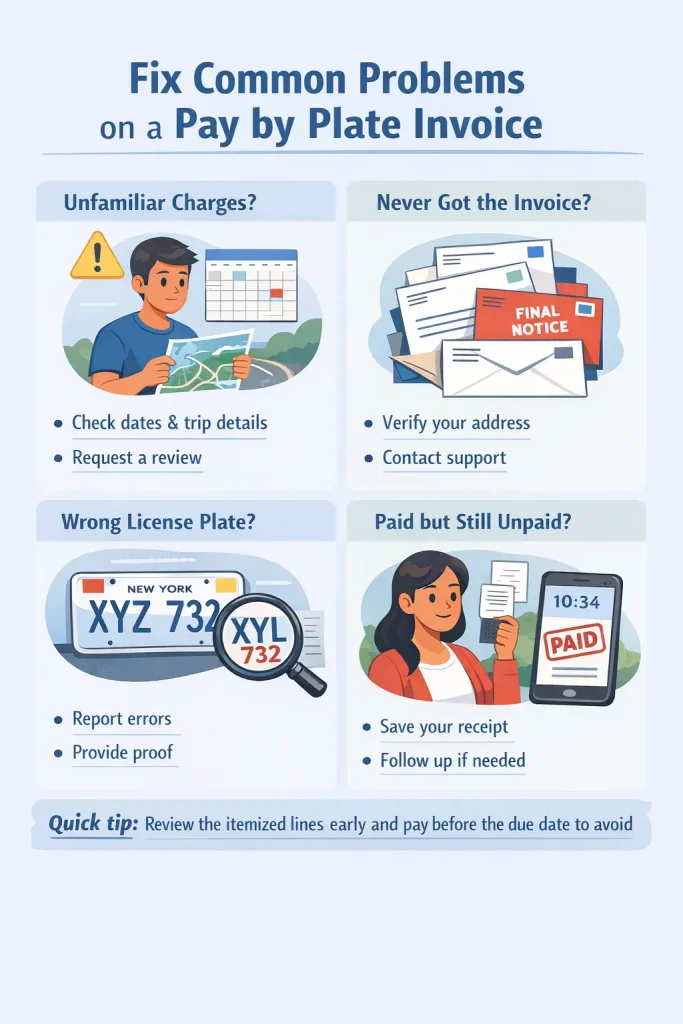
Fix Common Problems on a Pay by Plate Invoice
“I don’t recognize one or more trips”
- Match the date/time to your calendar or route history.
- Check if a family member used the vehicle.
- If it still looks wrong, request a trip review using the contact info on the invoice.
“I never received the bill”
- Check that your vehicle registration address is current.
- Look for a second notice.
- If needed, contact support to check if a bill exists under your plate.
“My plate was read wrong”
- Ask for a correction and provide proof (registration details).
- Keep any case number or email confirmation.
“I paid but it still shows unpaid”
- Verify you paid the correct invoice number.
- Save your confirmation.
- If it still doesn’t update, contact support with your receipt details.
Smart Ways to Reduce Future Invoice Fees
Consider E-ZPass for frequent toll road use
If you drive toll roads often, E-ZPass can reduce repeat plate bills and makes tracking easier.
Keep your registration details current
An old address is a common reason bill arrive late, which increases the risk of extra charges.
Create a simple toll record habit
- Save invoice numbers
- Keep confirmations in one folder
- Set a reminder before the due date
Conclusion
PayByPlateMA is built for drivers who use toll roads without E-ZPass, but your total can include more than tolls. Once you understand invoice charges, you can read the bill faster, avoid late added costs, and fix errors before they become bigger problems.
Pay on time, keep your receipts, and check your plate and trip list carefully. If you drive toll roads regularly, compare long-term costs and consider a transponder option to reduce repeated plate-based billing.
5 Common FAQs About PayByPlateMA Invoice Charges
1) Why am I getting a PayByPlateMA invoice?
You usually get a bill because your vehicle used a toll road and the system did not record an E-ZPass payment. This happens when you don’t have a transponder, your transponder was not read, or you drove a rental vehicle.
2) What details do I need to pay the invoice online?
Most online payments require your invoice number and license plate number. Some portals also ask for your billing ZIP code. Always enter details exactly as shown on the bill.
3) Can I pay more than one invoice at the same time?
In many cases, yes. Some payment systems allow you to pay multiple toll bills in one session. If you cannot see that option, you can still pay them one by one using the invoice numbers.
4) What should I do if the trips or charges look wrong?
Do not ignore it. Review the trip list first, then contact support using the details on your bill and request a review. Keep proof like travel notes, receipts, or vehicle documents if needed.
5) How can I avoid higher bill amounts in the future?
The best steps are:
- pay early.
- keep your registration address updated.
- save payment confirmations.
- if you drive toll roads often, consider E-ZPass to reduce repeat plate-billed invoices.