How to Set Up a Pay By Plate MA Registered Postpaid Account
Quick answer: A Pay By Plate MA Registered Postpaid Account links tolls to your license plate, so your trips show inside one account and you’re billed on a cycle instead of getting separate pay-by-mail invoices. It’s best for occasional toll drivers who want auto-billing and don’t want to keep a prepaid balance. Billing is typically shown as a 30-day billing period for registered Pay By Plate.
Best Use Case for Postpaid
Choose postpaid if you:
- drive toll roads sometimes (not daily)
- don’t want to keep a prepaid balance
- want one account for more than one vehicle
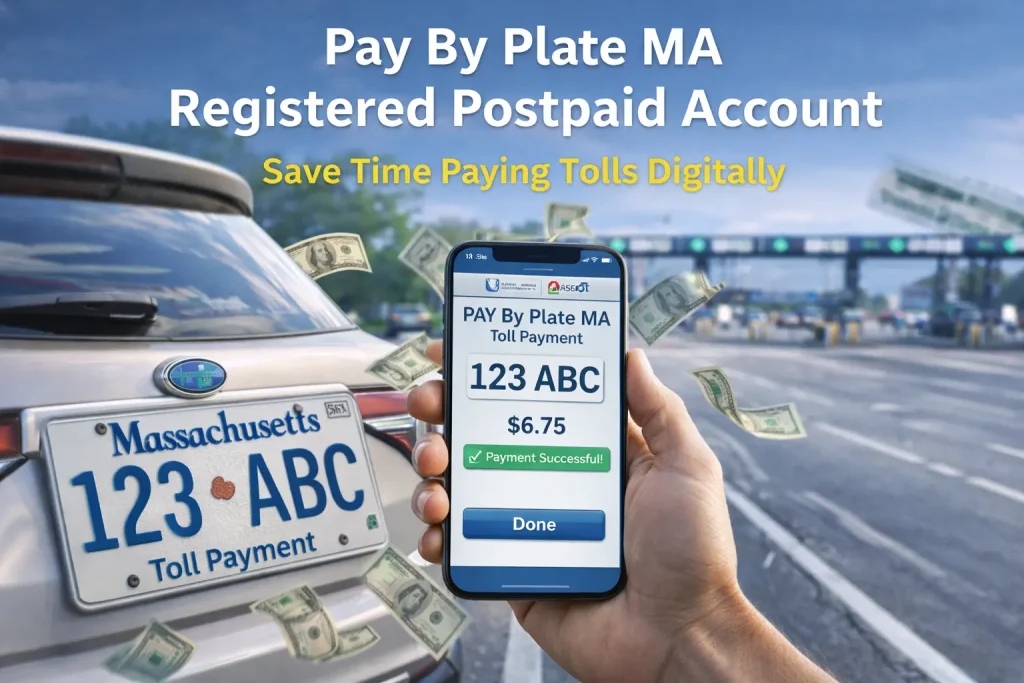
What Happens When You Drive Through a Toll
Here’s the simple flow:
- The toll point reads your plate (camera/plate recognition).
- Your toll gets added to your account.
- You’re billed at the end of the billing period (shown as 30-day billing for registered Pay By Plate).
Postpaid vs Prepaid in One Minute
Postpaid
- Pay after you drive (end-of-cycle billing).
- No balance tracking.
Prepaid
- You keep funds in the account before driving.
- Better for frequent toll use.
Account Benefits That Actually Matter
- Fewer surprises: everything stays inside your login account.
- Automatic payments: your card/bank method handles billing.
- Easy vehicle control: add/remove plates when cars change.
- Clear history: review tolls anytime online.
Now use the step-by-step guide below to add your plate, choose postpaid, and set up your payment method.
Create Your Registered Postpaid Account
Before you start, have this ready
- Plate number + state
- Vehicle make/model/year
- Email + phone
- Card or bank info
Steps
- Go to the official EZDriveMA website area for account services.
- Choose Pay By Plate MA account registration.
- Select Registered and choose Postpaid as the account type.
- Add your vehicle details (double-check the plate).
- Add payment method and create your login.
- Submit and save your confirmation email.
Pay By Plate MA Account Care Routine
A postpaid account works best with a quick monthly check. This keeps toll billing accurate and helps you avoid surprise charges.
Your 3-Step Monthly Check
Step 1: Scan your toll list
- Log in to your EZDriveMA account and open recent activity
- Check the latest charges
- Match trips to dates
- Watch for repeats or odd entries
Fix fast: If a charge looks wrong, save the date, time, and location, then report it.
Step 2: Confirm your payment method
Postpaid billing depends on your card or bank details staying active.
- Update an expired card
- Replace old bank info
- Confirm your billing address is correct
Tip: Update payment details before the billing cycle closes to avoid declines.
Step 3: Clean up your vehicle list
Your account should only show plates you use.
- Add a new vehicle as soon as you get it
- Remove a sold vehicle right away
Why it helps: It prevents tolls from landing on the wrong plate.
Spot Issues Early
When you review activity, watch for:
- A toll you don’t recognize
- The same toll listed twice
- A vehicle/plate you don’t use
- Charges that don’t match your travel days
Best move: Take a screenshot so support can fix it faster.
Quick Actions You’ll Use Most
Update payment details
Go to the Payment section and replace your card or bank info.
Add or remove a vehicle
Use the Vehicles section to manage plates in minutes.
Save proof when something feels off
A screenshot + date + location is usually enough to start a correction.
Two-Minute Checklist
- Review toll activity
- Confirm payment method
- Verify vehicles/plates
Help and Contact Options
If you need support for registration, billing, or plate issues:
- Phone: (877) 627-7745
- Email: [email protected]
- Service Center: 27 Midstate Drive, Auburn, MA 01501
- Fax: (508) 786-5222
Security Warning: Fake Toll Texts
MassDOT and local agencies have warned about scam texts that pretend to be EZDriveMA. If you get one, don’t click anything. Go to the official site by typing it in your browser, or call support using the number above.
Final takeaway
If you want Massachusetts toll charges billed automatically without keeping a prepaid balance, a Registered Postpaid account is a solid choice. Set it up through the official EZDriveMA pages, double-check your plate and vehicle details, and review your toll activity once in a while to catch errors early.
FAQs:
1) Does a Pay By Plate MA registered postpaid account give toll discounts?
No. Massachusetts notes that Pay By Plate MA does not provide discounts like E-ZPass MA. If discounts matter to you, an E-ZPass MA account is the better option.
2) Can I use Pay By Plate MA registered postpaid outside Massachusetts?
Pay By Plate MA registered accounts are only valid for toll payment on Massachusetts roadways. For other states, you’ll need the payment option that state supports (often E-ZPass or their own plate-billing program).
3) What if I change my license plate or get a new car?
Update your vehicle/plate details in your account as soon as possible. Massachusetts account setups rely on plate info listed on your registration, so keeping it accurate helps prevent wrong charges or missing tolls.
4) Can I switch from Pay By Plate MA to E-ZPass MA later?
Yes, EZDriveMA lets you open and manage an E-ZPass MA account online. If you start driving toll roads more often, switching can make sense (especially because Pay By Plate MA doesn’t offer E-ZPass discounts).
5) How does billing work if I drive a rental car on Massachusetts toll roads?
In most cases, tolls are tied to the rental car’s plate and the rental company may bill you later (sometimes with extra admin fees). The safest move is to check your rental agreement before you drive, and use the option they recommend for tolls.